Home / Our work / Time Tracker
Time Tracker
Time tracking and timesheets
Overview
Time Tracker keeps time by project and client, puts each week in a timesheet that is reviewed before it is saved, and reports where the hours went.
A prototype on fictional data. Names, companies and figures in these screens are invented.
Where the time goes
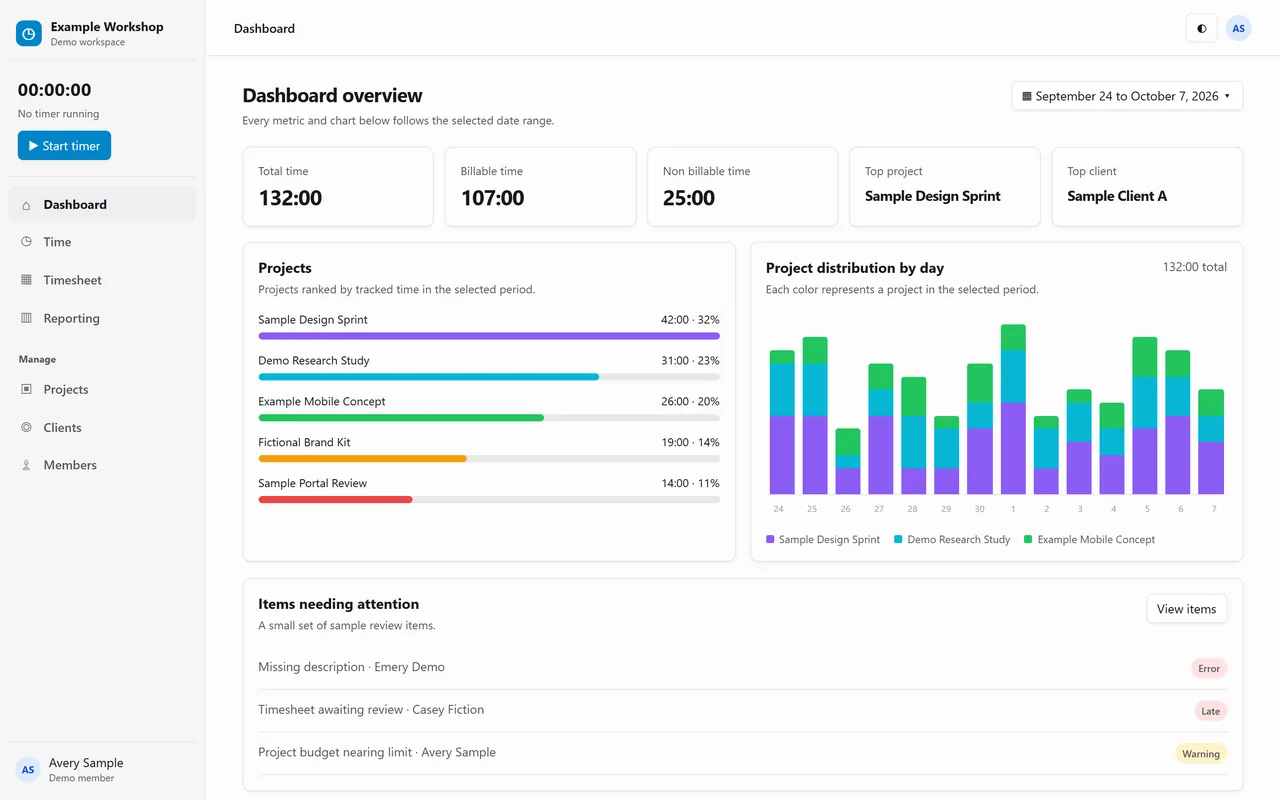
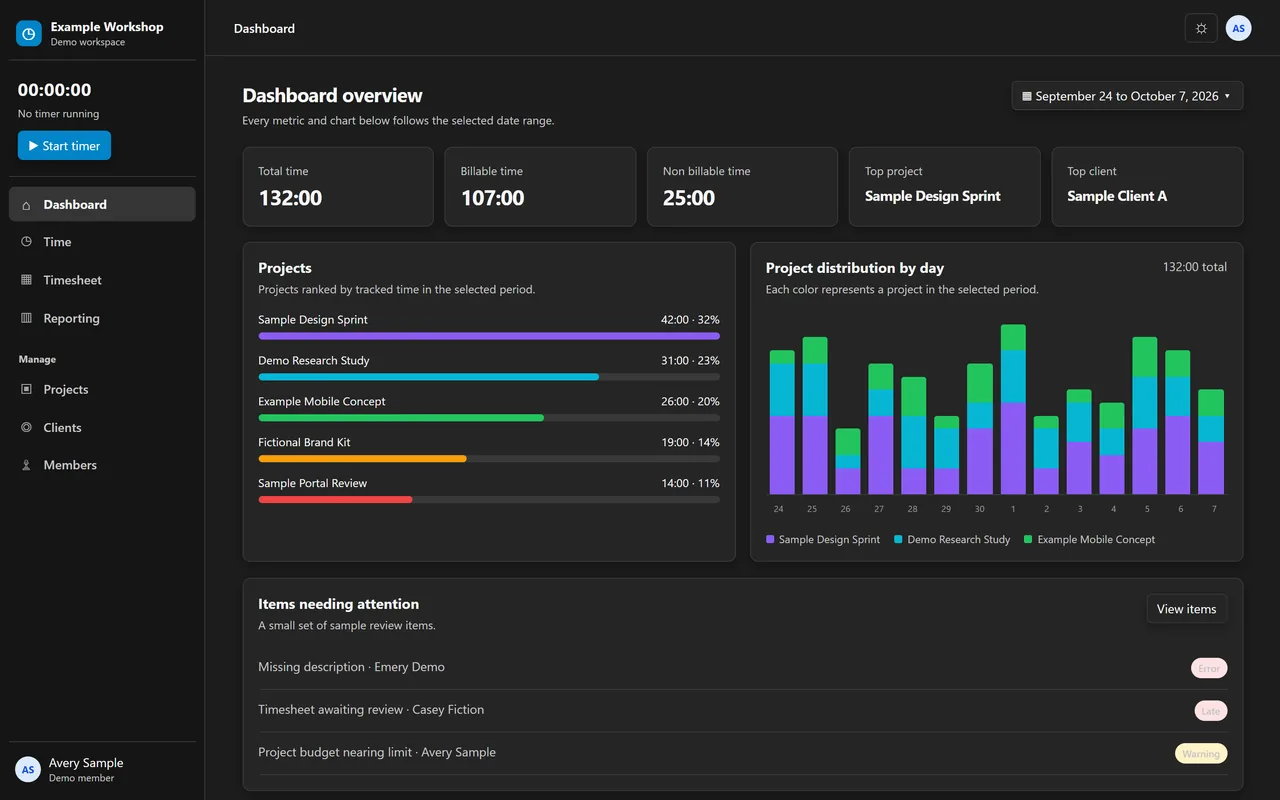
The dashboard splits the period into billable and non billable time, ranks projects by hours and shows every day. Items that need attention, like a missing description, are listed underneath.
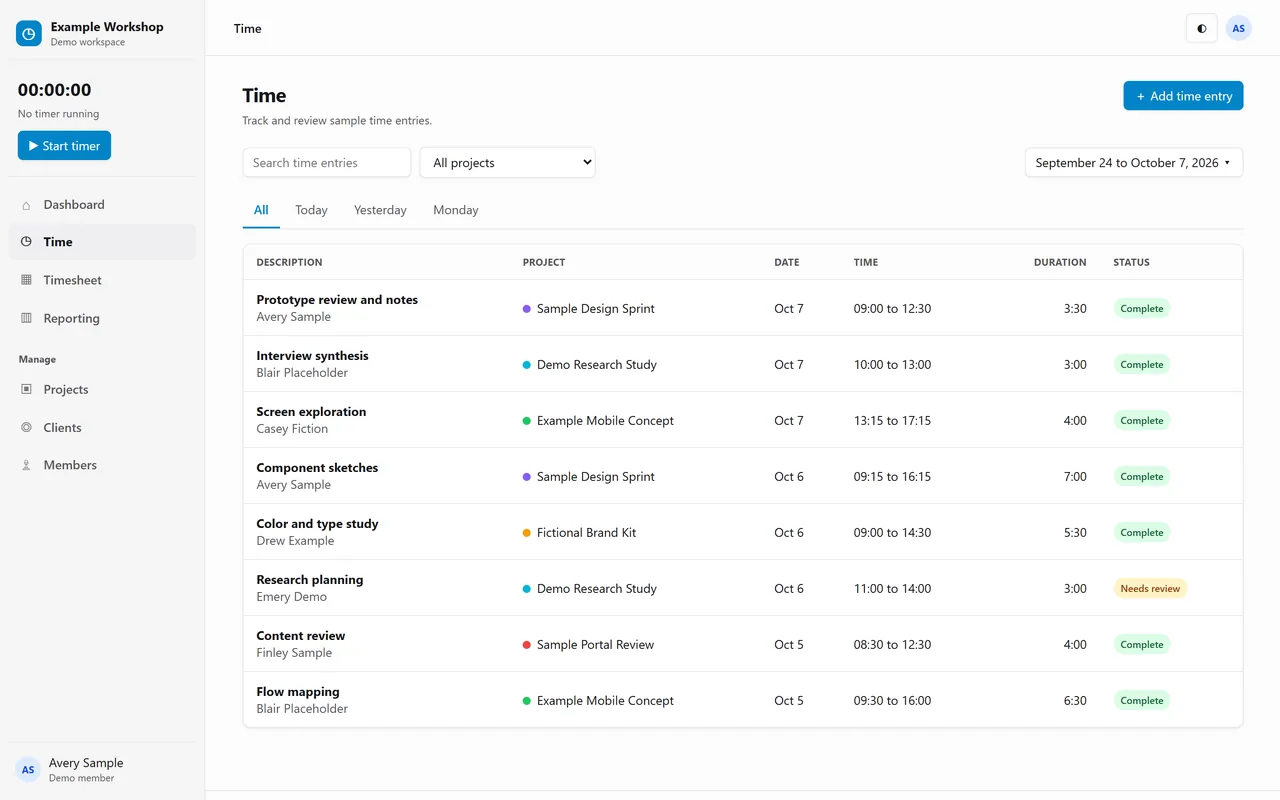
Every entry, with its project
Each time entry shows who did the work, on which project, when and for how long. Entries that still need a look are marked for review.
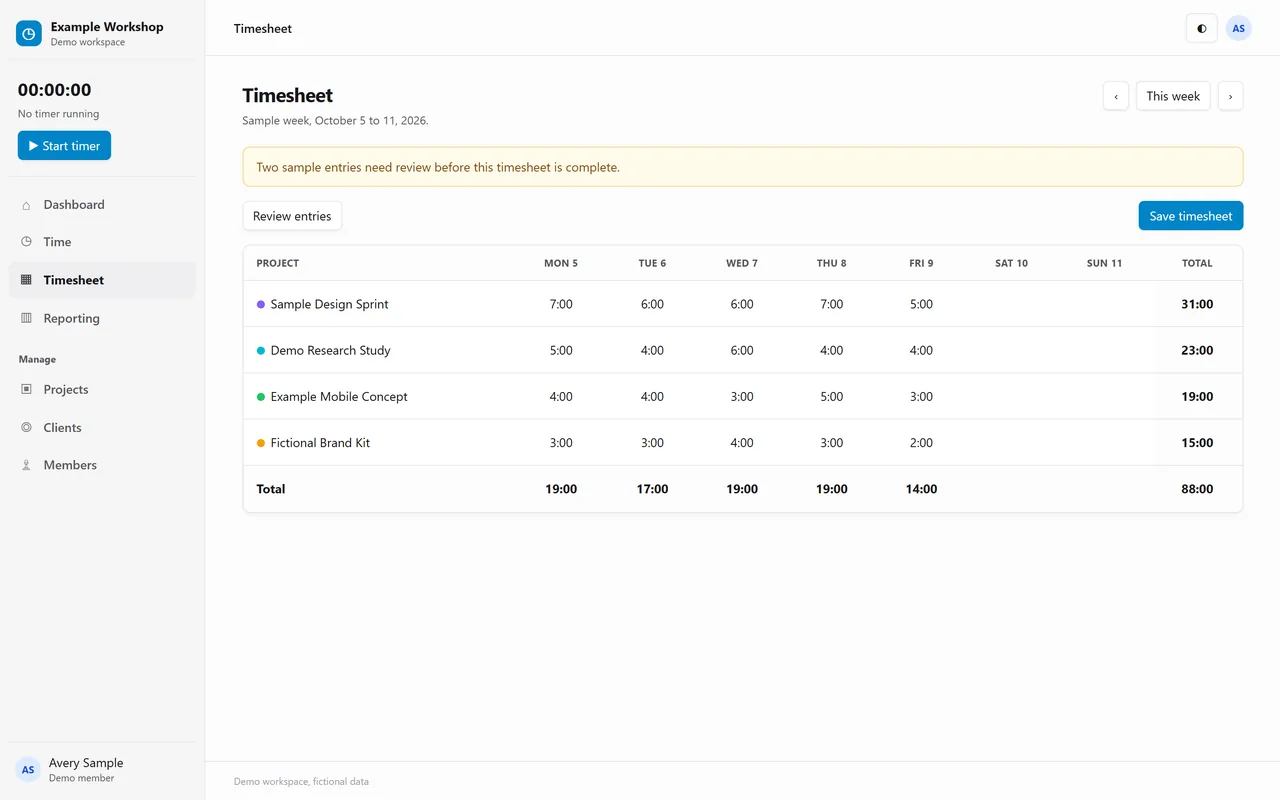
A week in one timesheet
The weekly timesheet adds up the hours by project and by day. It says which entries still need review before the timesheet is saved.
Reports by project, client and member
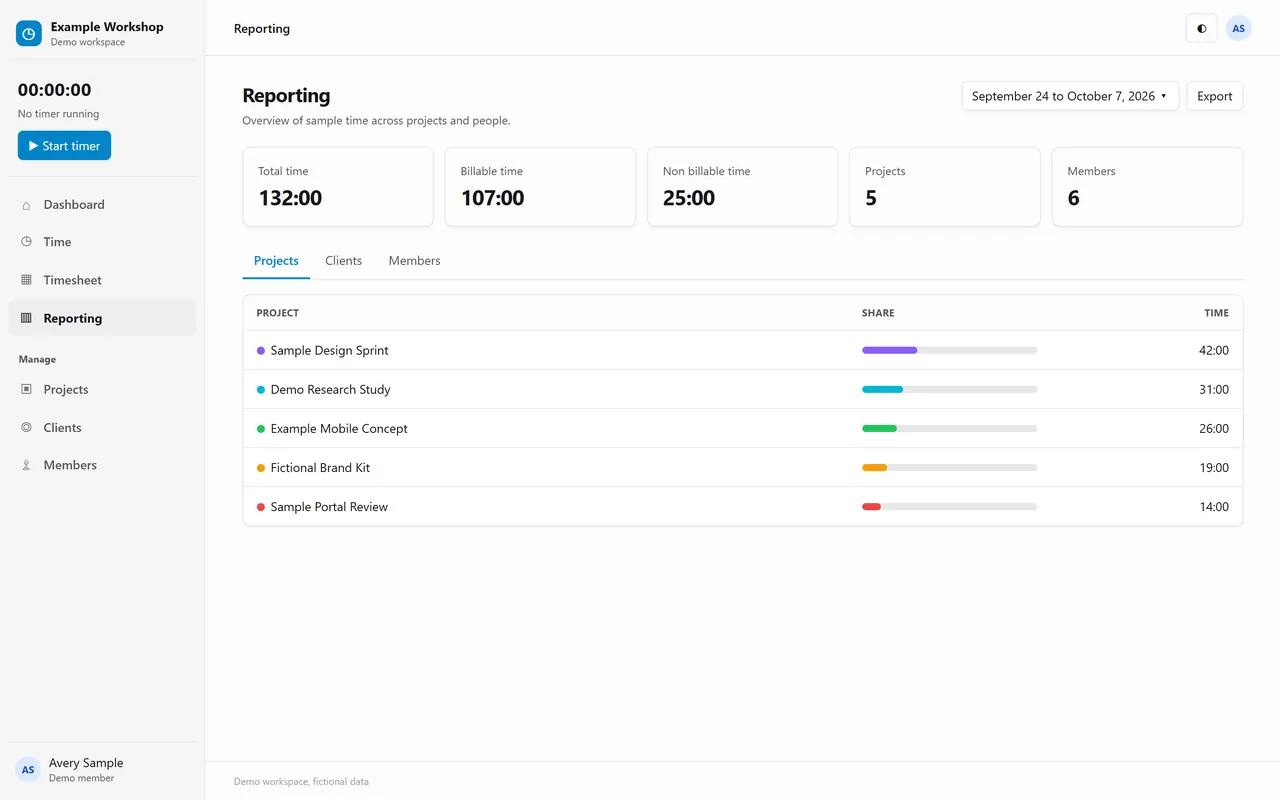
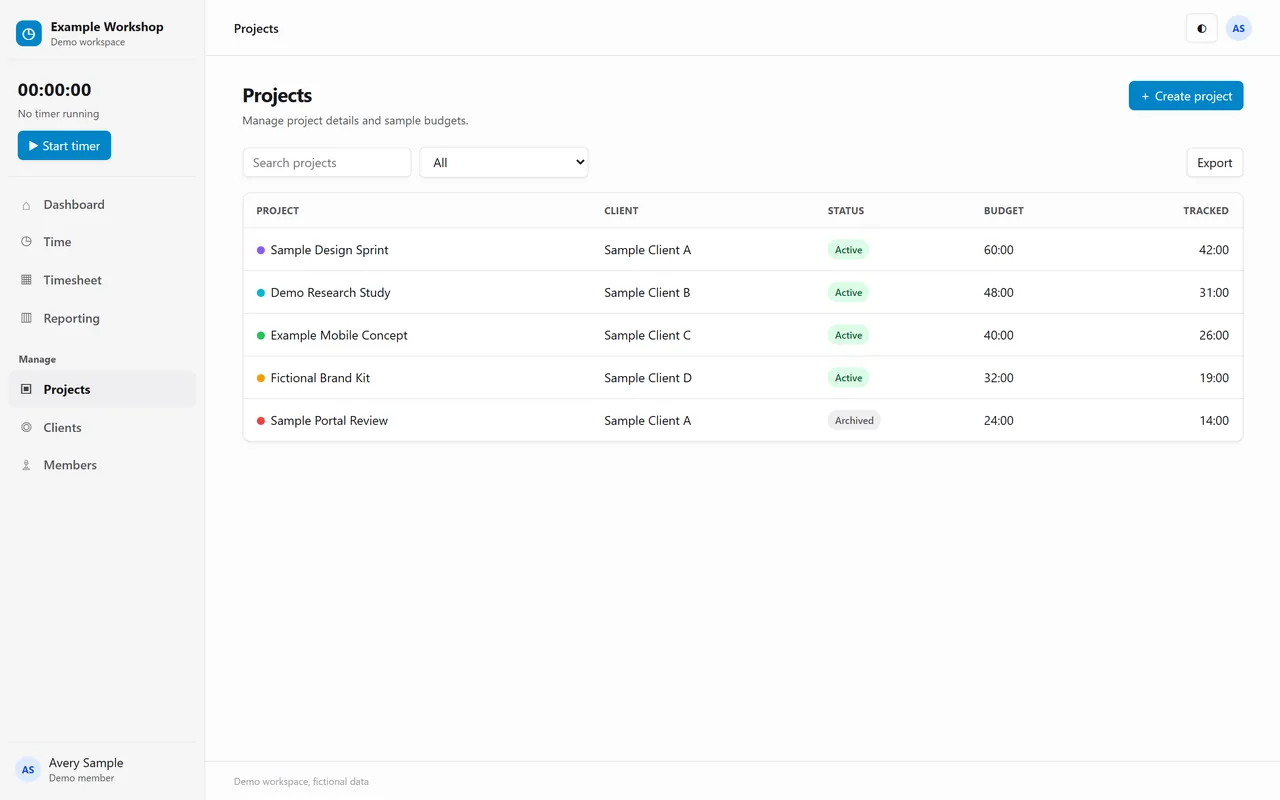
Reporting shows the same period by project, by client or by member, with each one's share of the total. Projects keep their client, status, budget and tracked hours.
Light and dark
Both themes were designed together, so every screen reads well in either.
What it commits to
- By projectTime and billable hours split by project and client
- TimesheetA weekly view with review items before saving
- Two themesLight and dark designed together
Want to click through Time Tracker yourself? We give private, login protected demos on request.
Ask for a private demo