Home / Our work / Order Manager
Order Manager
Orders and production tracking
Overview
Order Manager keeps every order, its production stage and its vendor in one place, with a work queue that shows what needs action today.
A prototype on fictional data. Names, companies and figures in these screens are invented.
Today's work first
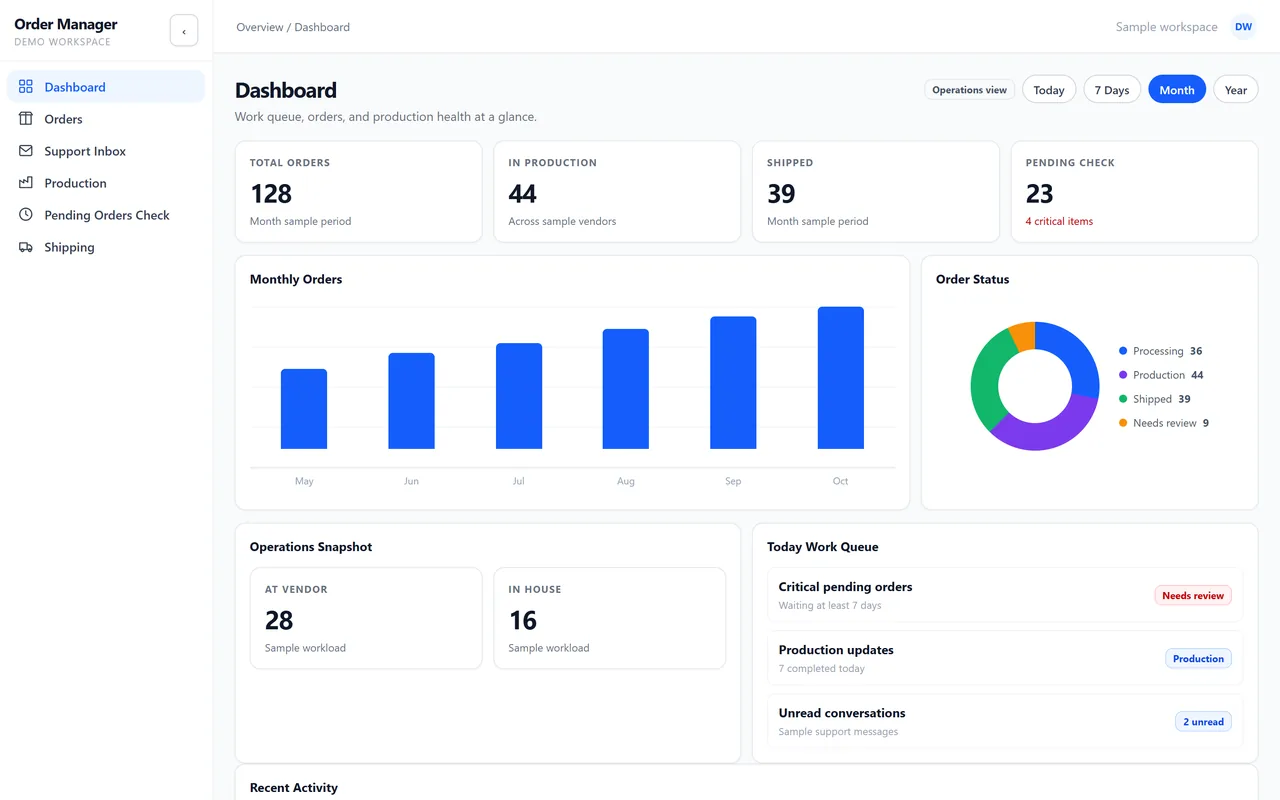
The dashboard puts the day's work queue next to order volume and status: critical orders, production updates and unread customer messages.
Every order in one list
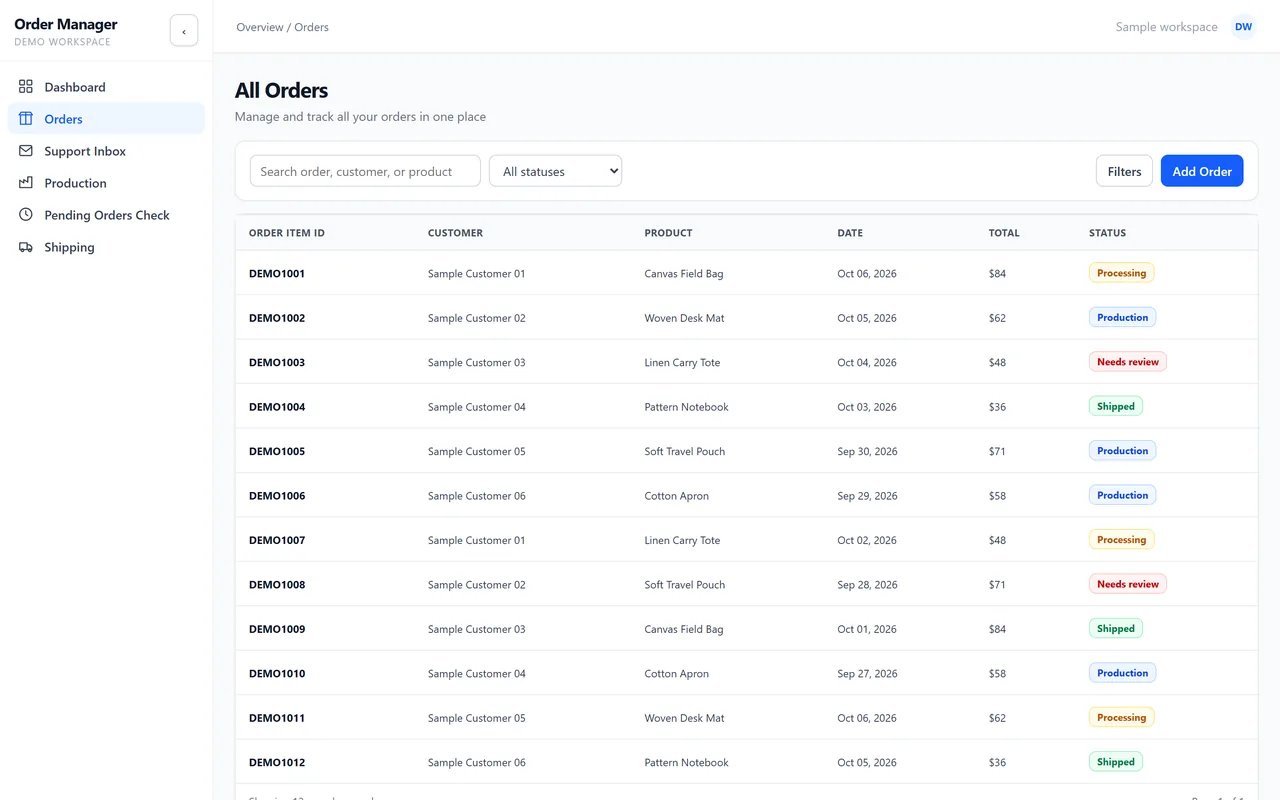
All orders can be searched and filtered by status, with the customer, product, date and total on every line.
Production by stage and vendor
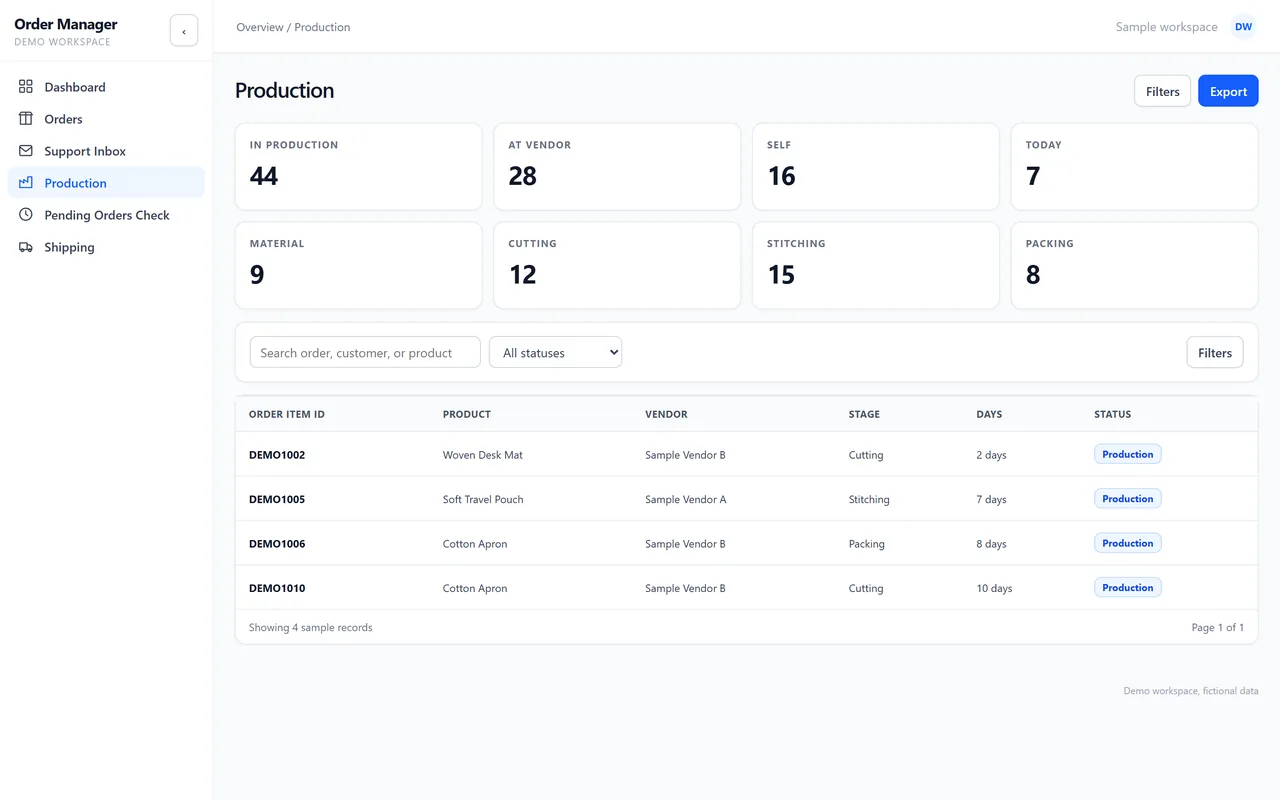
Production shows how many orders sit at each stage, from material to cutting, stitching and packing, and which vendor has them.
Orders that wait too long
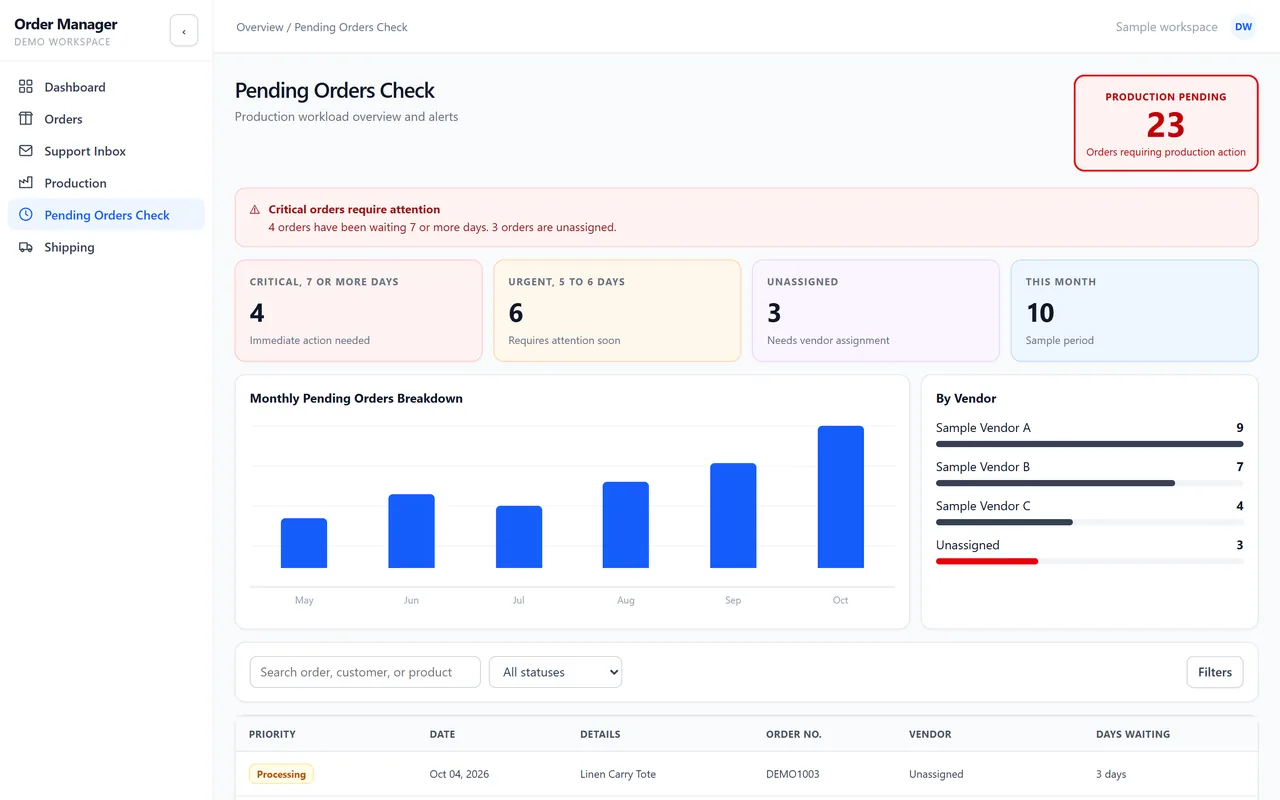
The pending orders check flags orders that have waited seven days or more and orders without a vendor, so they are dealt with first.
Messages next to the order
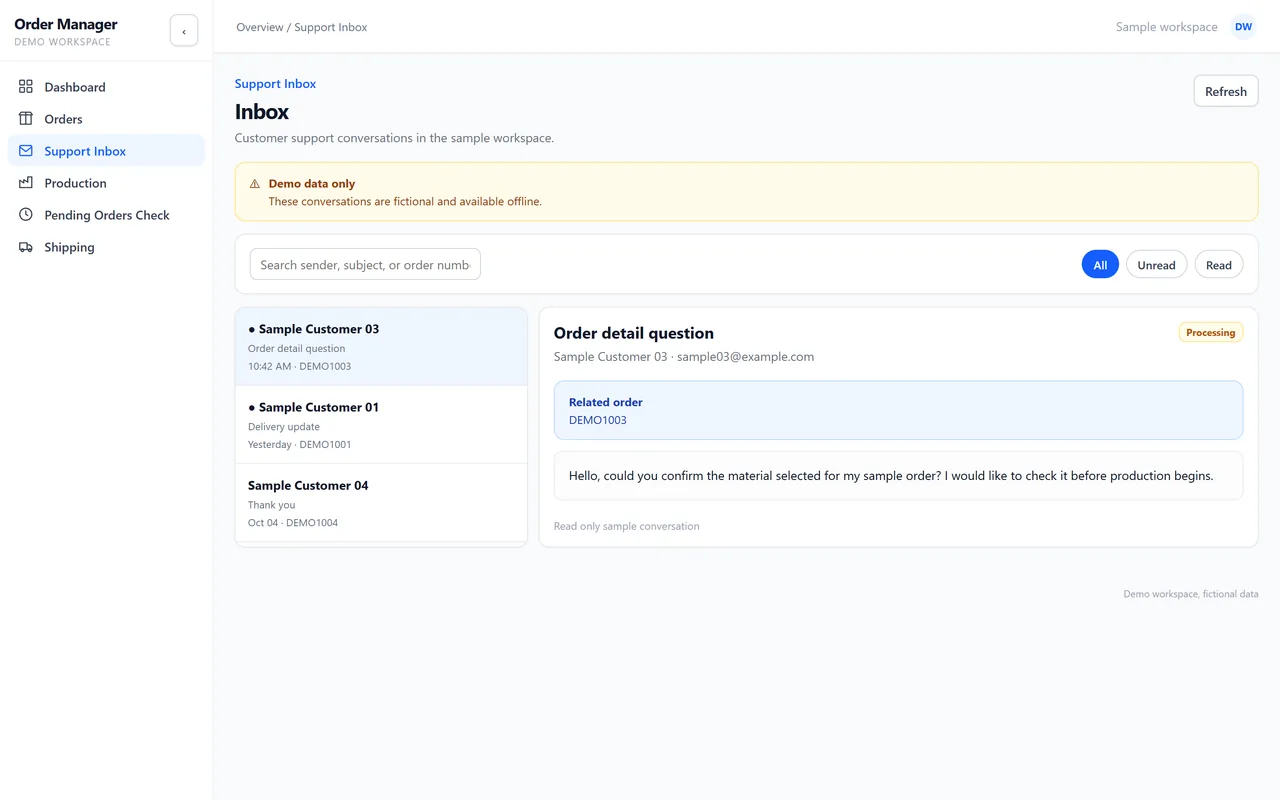
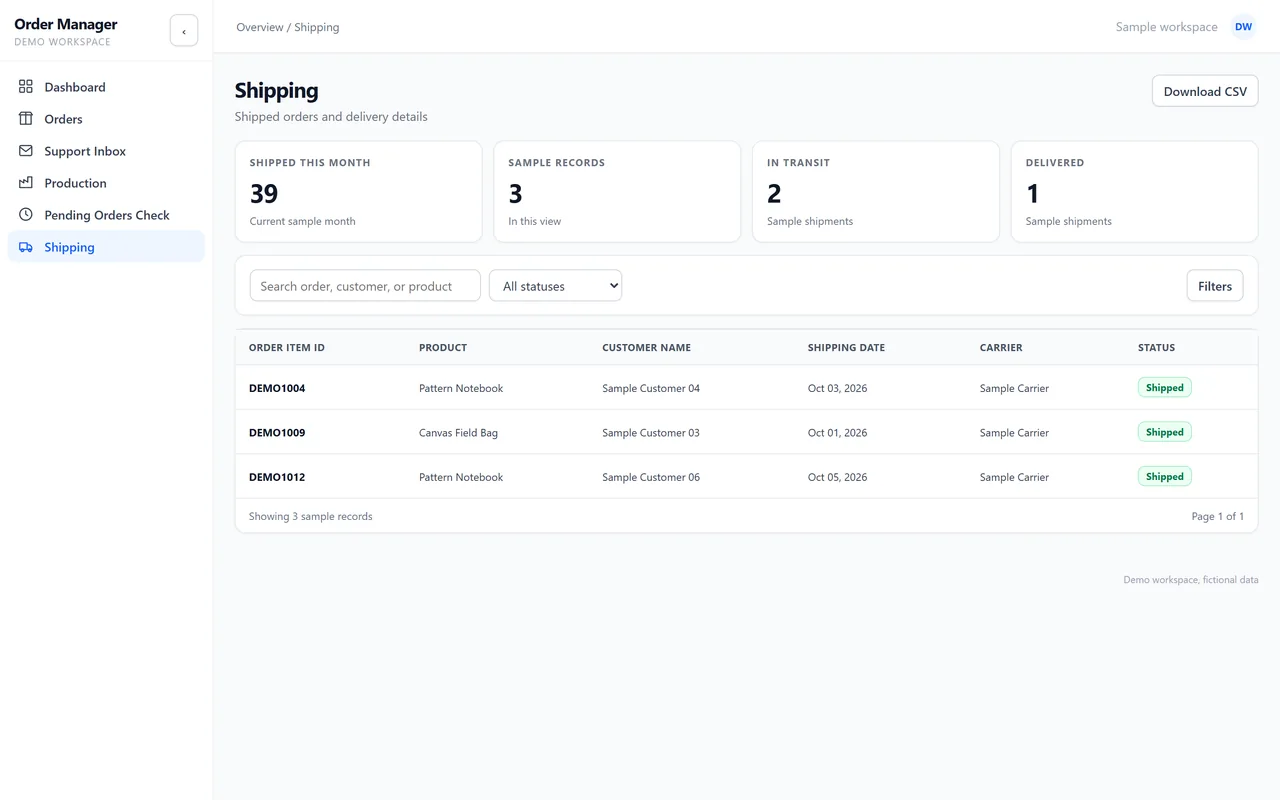
Customer messages sit in a support inbox, linked to the order they are about. Shipped orders are tracked by carrier and date.
What it commits to
- Daily queueWhat needs action today, first
- Pending checkOrders that wait too long are flagged
- By vendorProduction tracked by stage and by vendor
Want to click through Order Manager yourself? We give private, login protected demos on request.
Ask for a private demo