EPR
Enterprise project registry
Overview
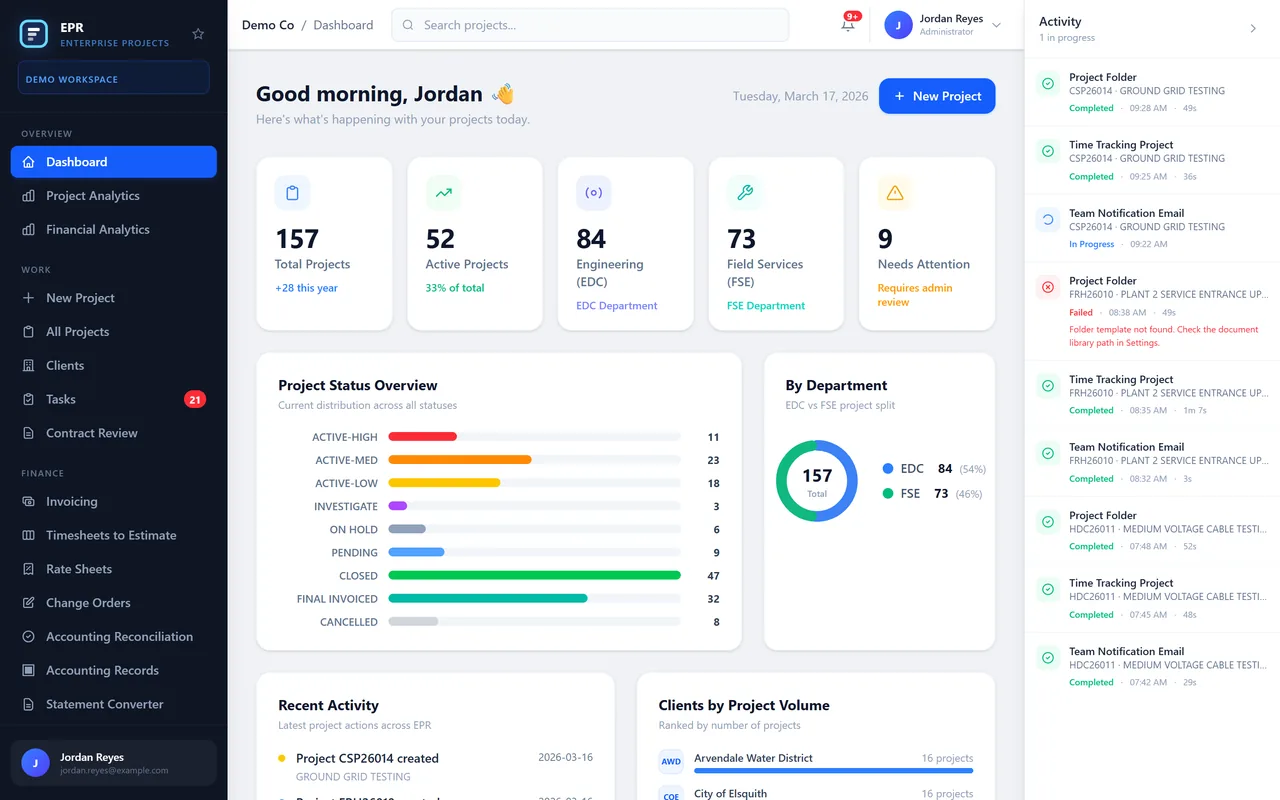
EPR is one registry for every project a firm runs. Each project has a single record: the client, the scope, the people on it, its tasks and flags, and how the money stands. When a project is created, its setup starts in the background.
A prototype on fictional data. Names, companies and figures in these screens are invented.
Every project in one registry
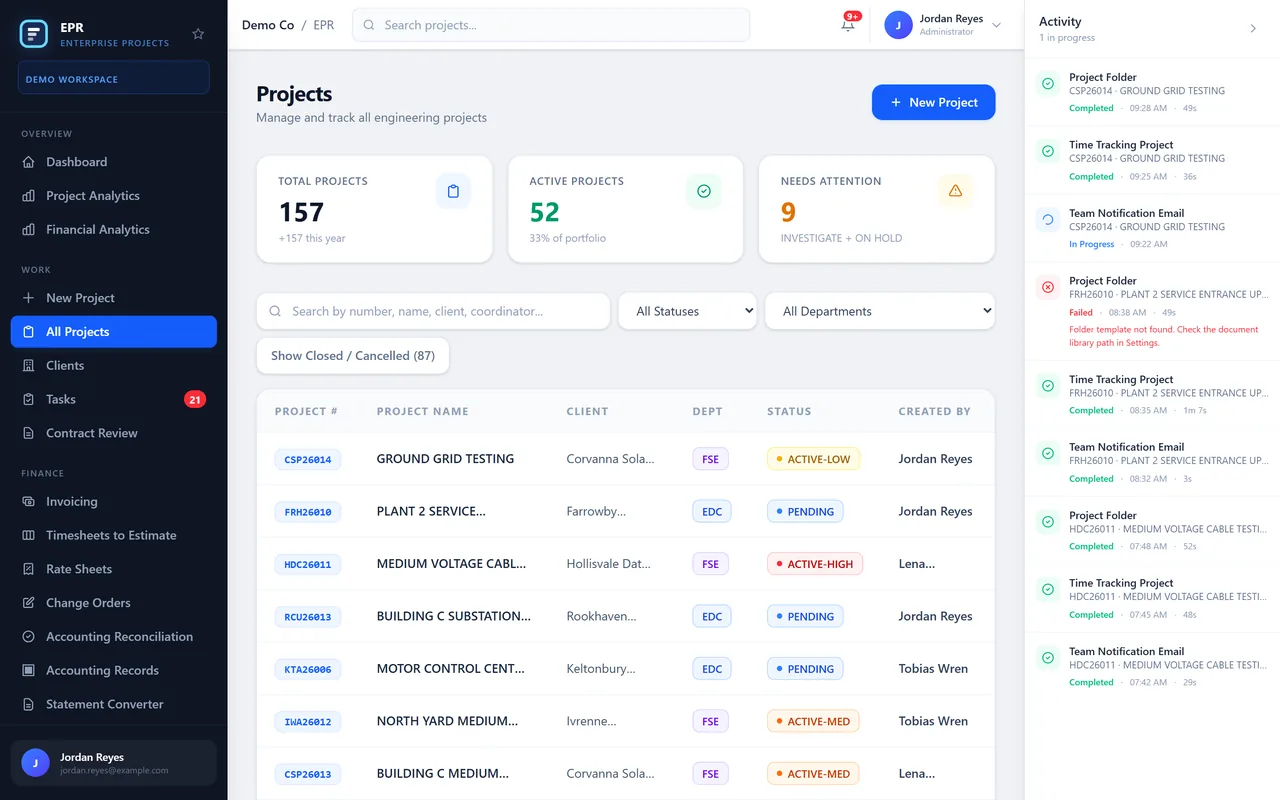
The dashboard shows how many projects are active, on hold or waiting for review, split by department, with the latest actions on the side. The project list can be searched by number, name, client or status.
One record per project
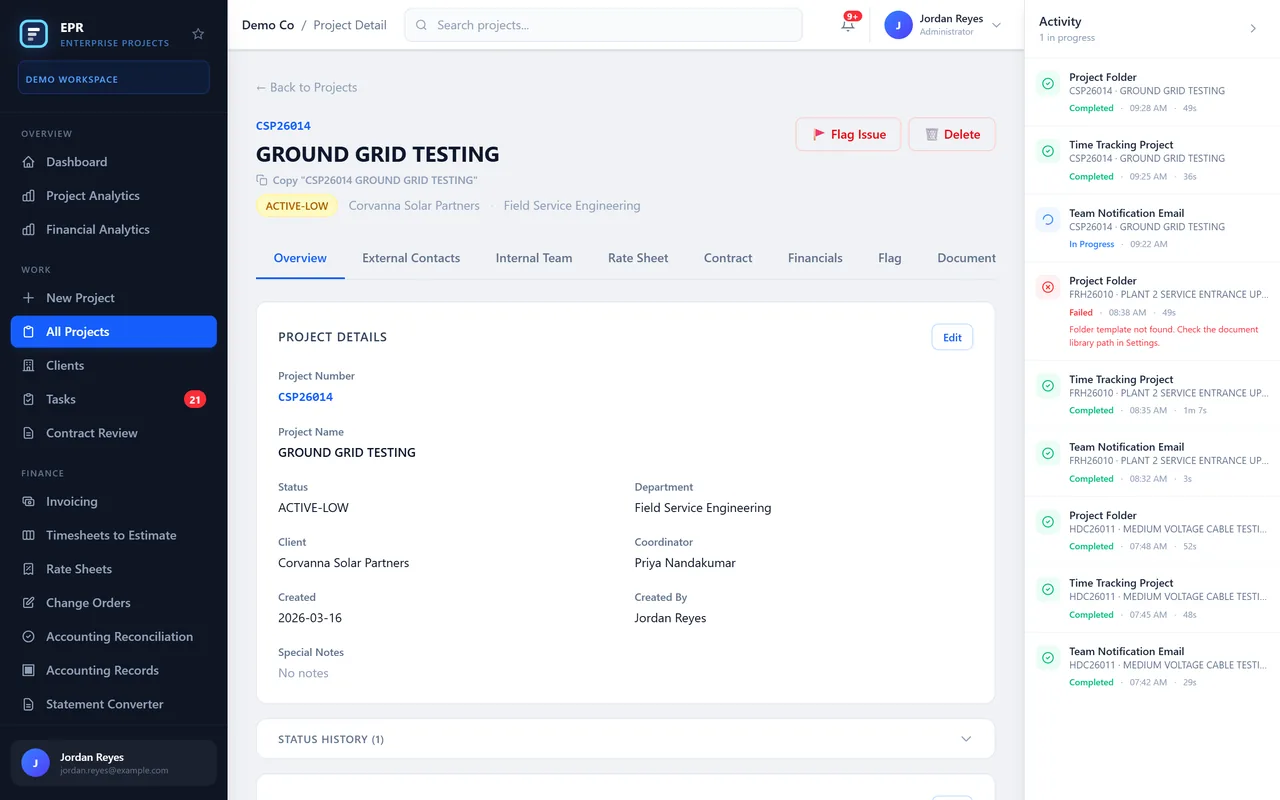
Each project keeps its number, client, department, coordinator and dates, with its scope, market sector and location. Everything about the job starts from this page.
The right people on it
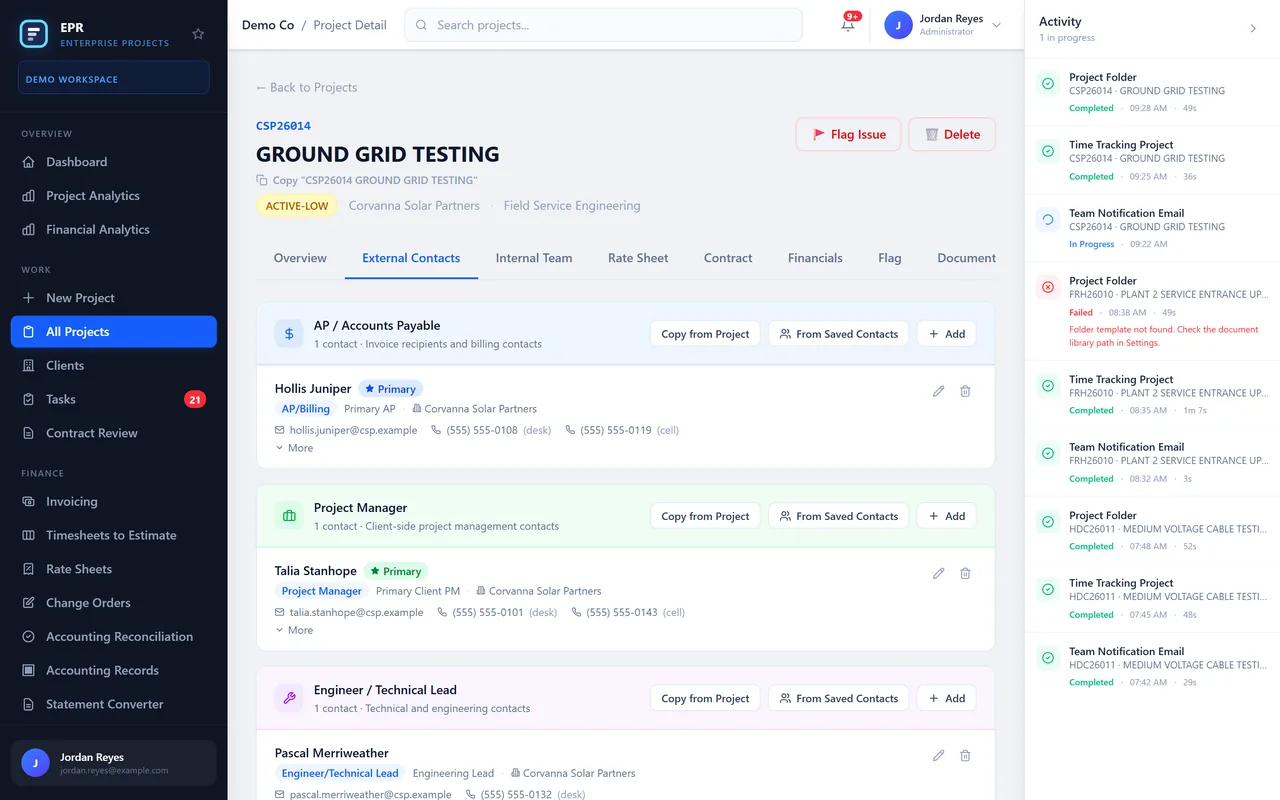
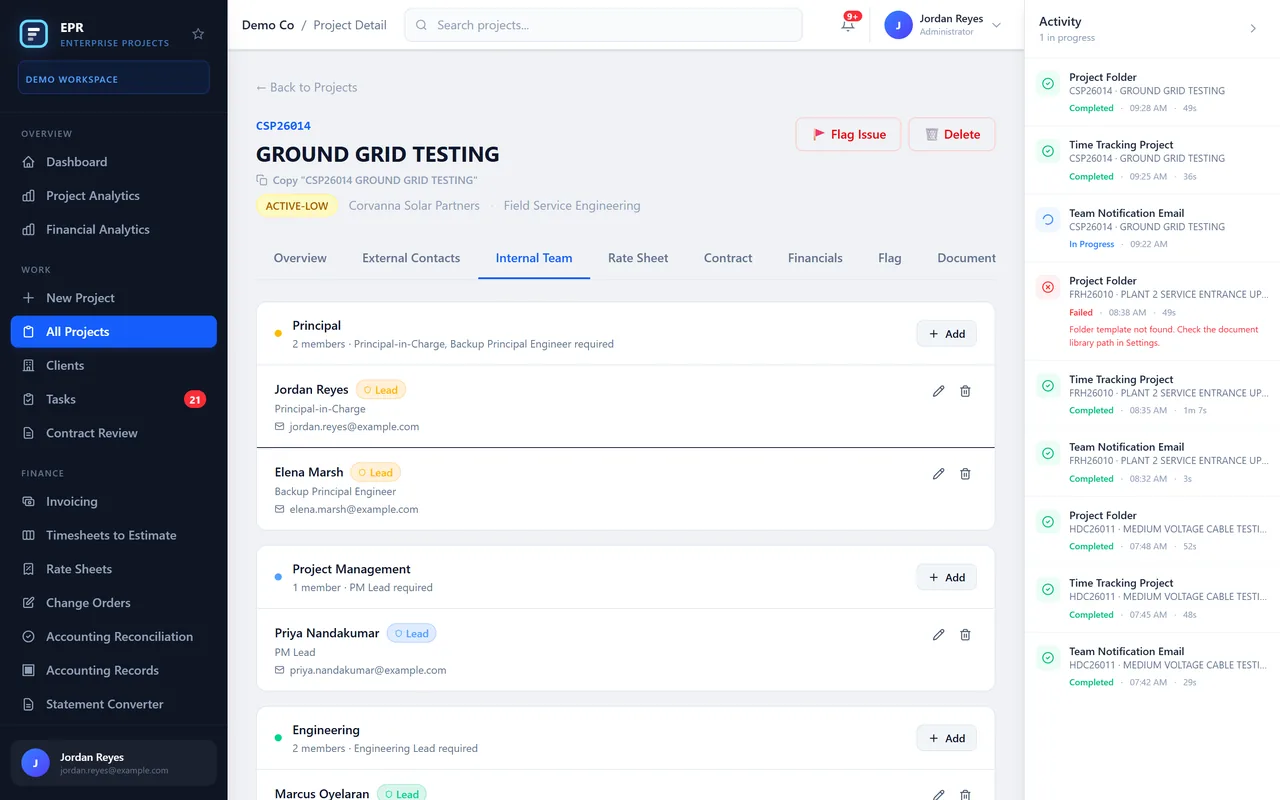
Client contacts are kept by role, from accounts payable to the client's project manager. The internal team shows who leads the work and which roles each project still needs.
Money and rates, project by project
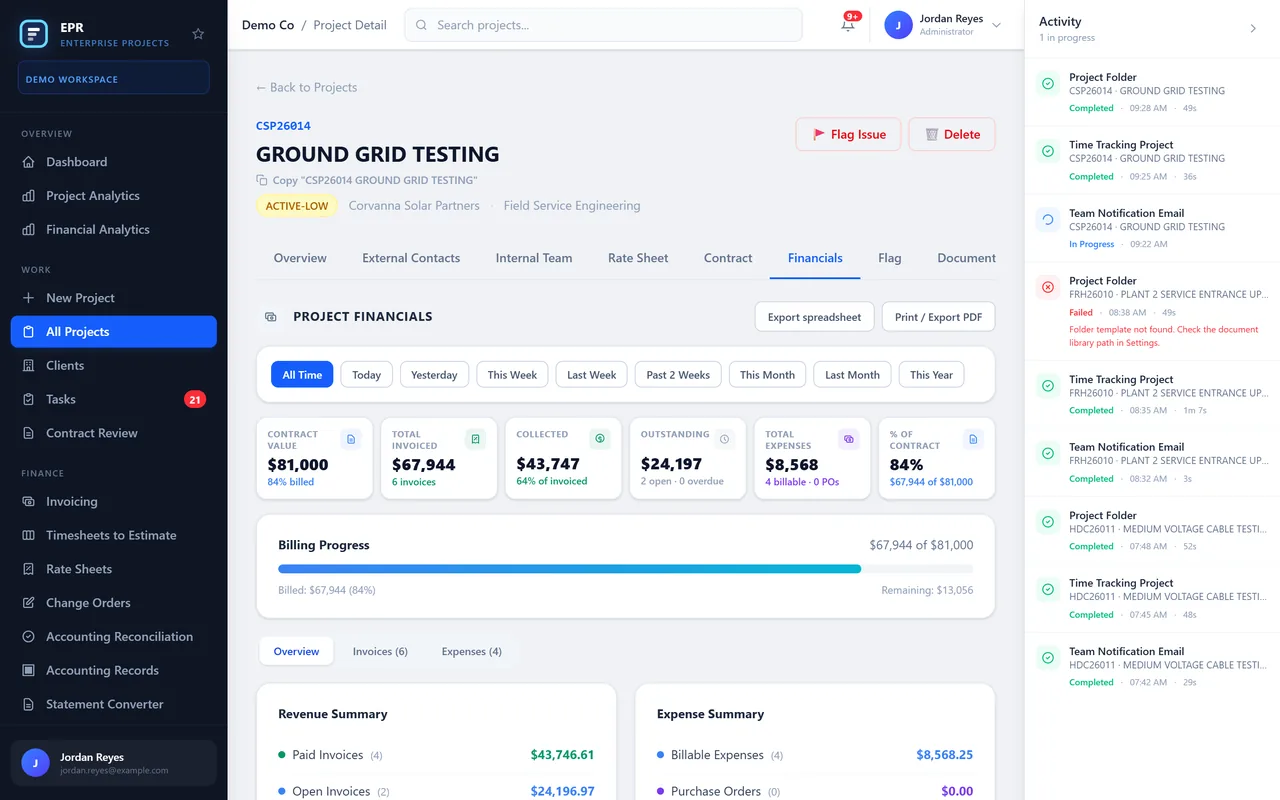
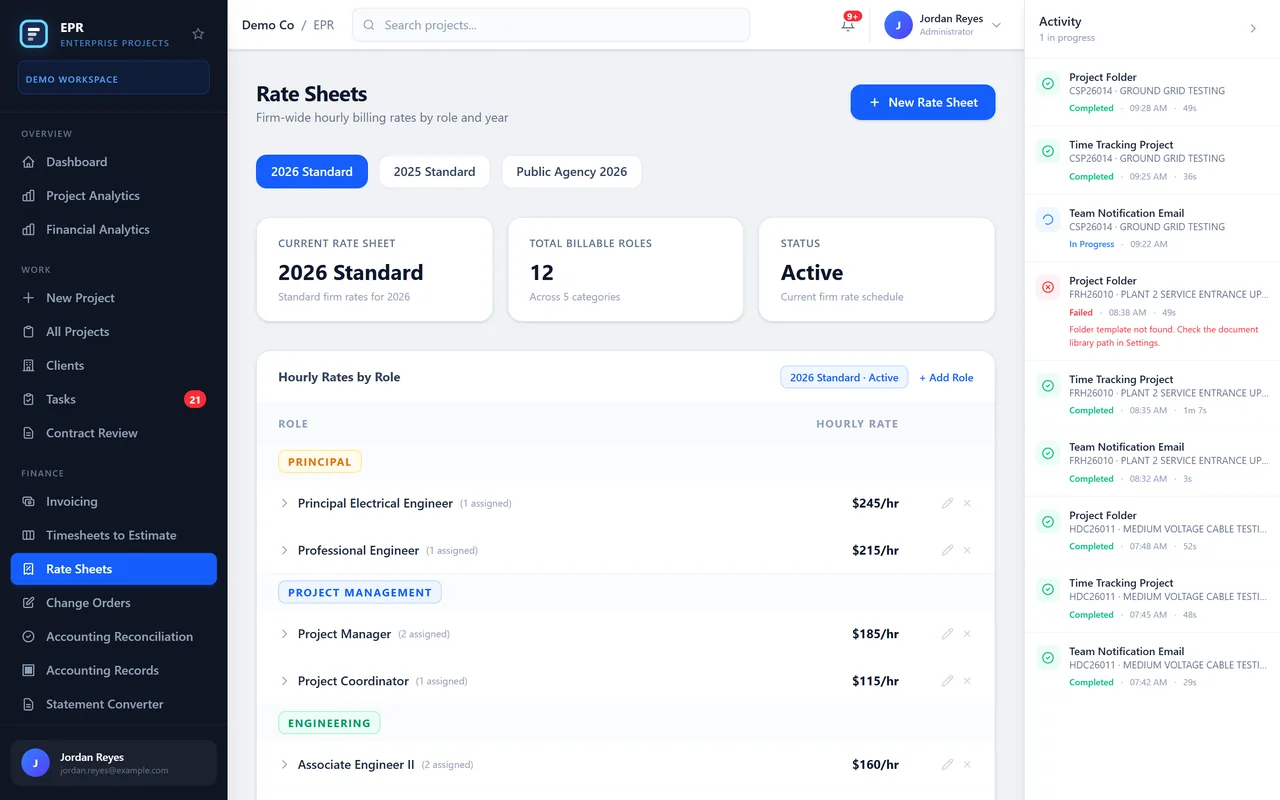
Financials show the contract value and what has been invoiced, collected and is still outstanding, with billing progress against the contract. Firm rate sheets keep the hourly rates by role and year.
Setup and follow up, in the background
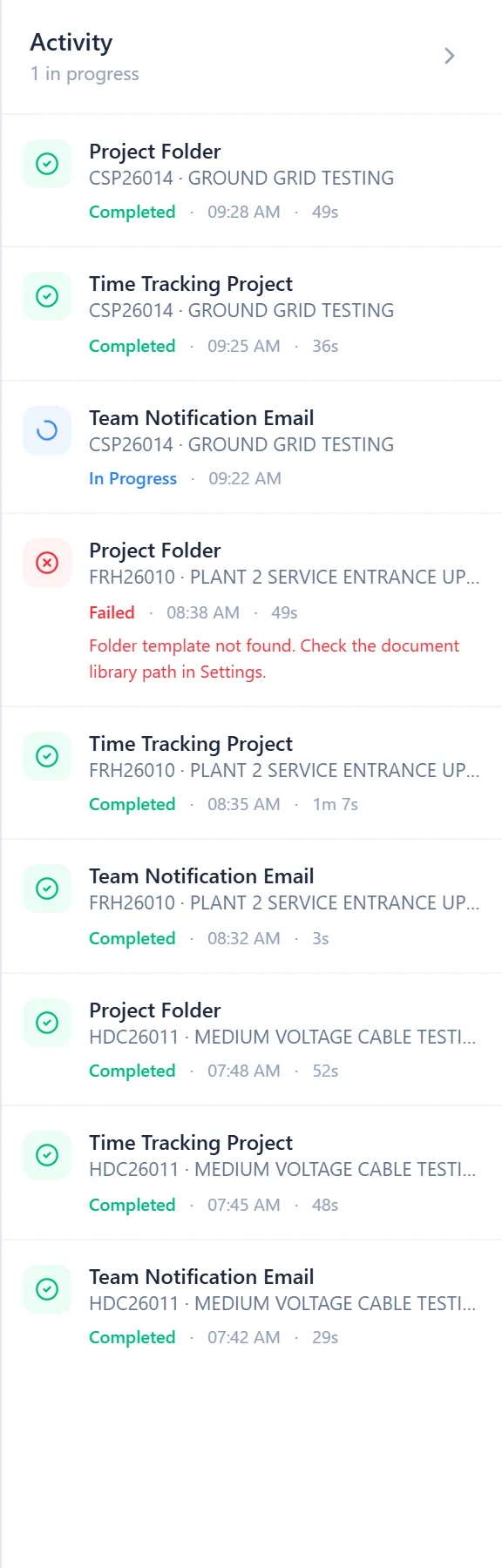
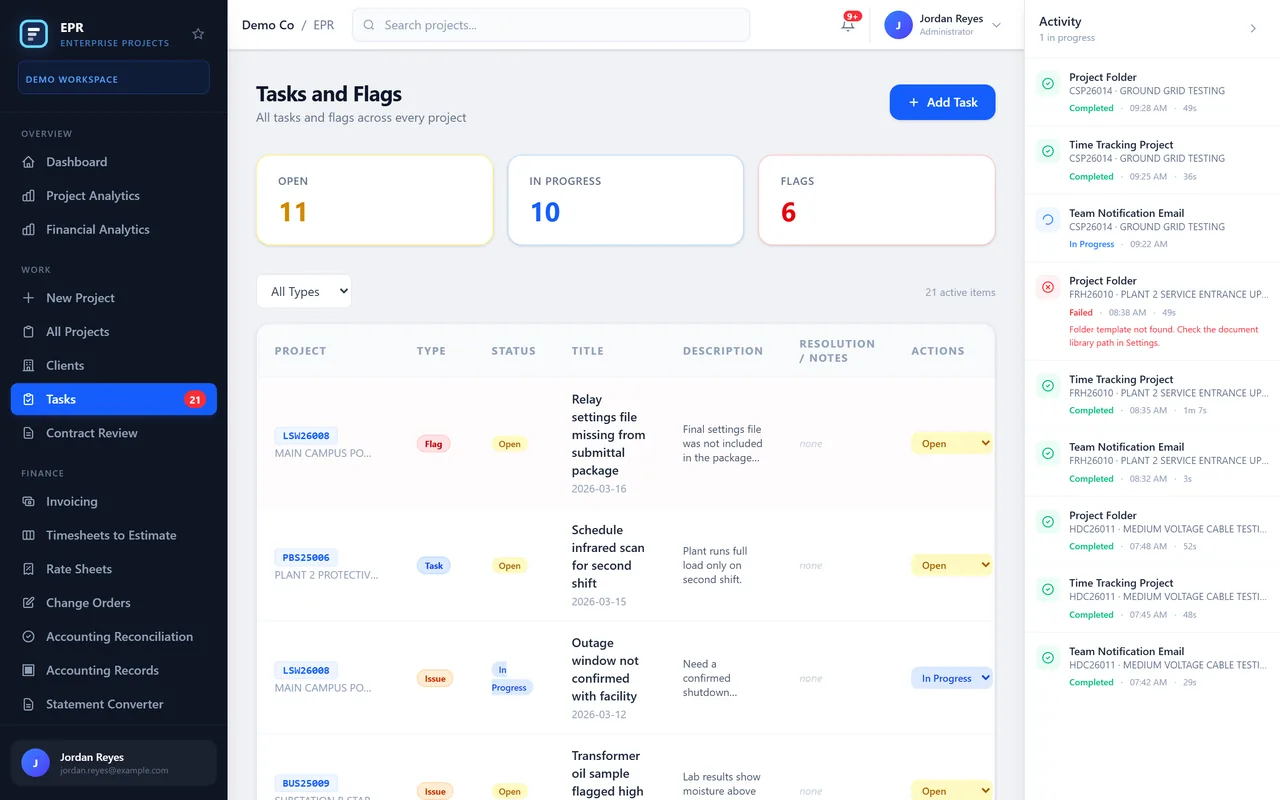
Creating a project starts its setup: a project folder, a time tracking project and an email to the team. Each step shows whether it finished, is still running or failed. Tasks and flags are tracked across every project.
What it commits to
- One registryEvery project, client and status in one place
- Full recordScope, contacts, team and money on each project
- Set up for youFolders, time tracking and team emails started with each new project
Want to click through EPR yourself? We give private, login protected demos on request.
Ask for a private demo